For teams that code with AI agents
Agents write the code. A person owns the task.
Claude Code and other assistants read tasks from assign2me over MCP, work on a branch named after the task, describe the change in a comment and close the task on merge. The team sees it all in one place — and so does the client, when the task is theirs.
How it works
The agent loop: from task to merge
- The agent takes the task. It reads My tasks or a specific task with its description, comments and history — nothing to paste into the chat.
- A branch with the task key. The branch name starts with the task key, e.g. a2m-142-rate-limit. The task shows at once that work has started.
- The pull request on the task. A PR or MR with the key in its title shows up on the task: review state, reviewers, check results.
- A comment from the agent. The agent explains what it changed and why. The note lives on the task, not in a terminal log.
- A merge closes the task. If the project owner turns it on, the task closes once the last PR with a closing link is merged.
Example · Claude Code
One request, the whole loop
A developer hands over a task. The agent reads it from assign2me, fixes the code, opens a PR with the task key and leaves a comment. Review and merge stay with people.
Accountability
The agent does the work, a person owns it
- Every task has one owner — a person. The agent acts for the person who connected it; it is not a separate team member.
- Every agent change is signed. The task history shows the person and the source, e.g. “via MCP (Claude Code)”.
- Notifications work as usual. An assignment, comment or completion by the agent reaches people just like a change made in the app.
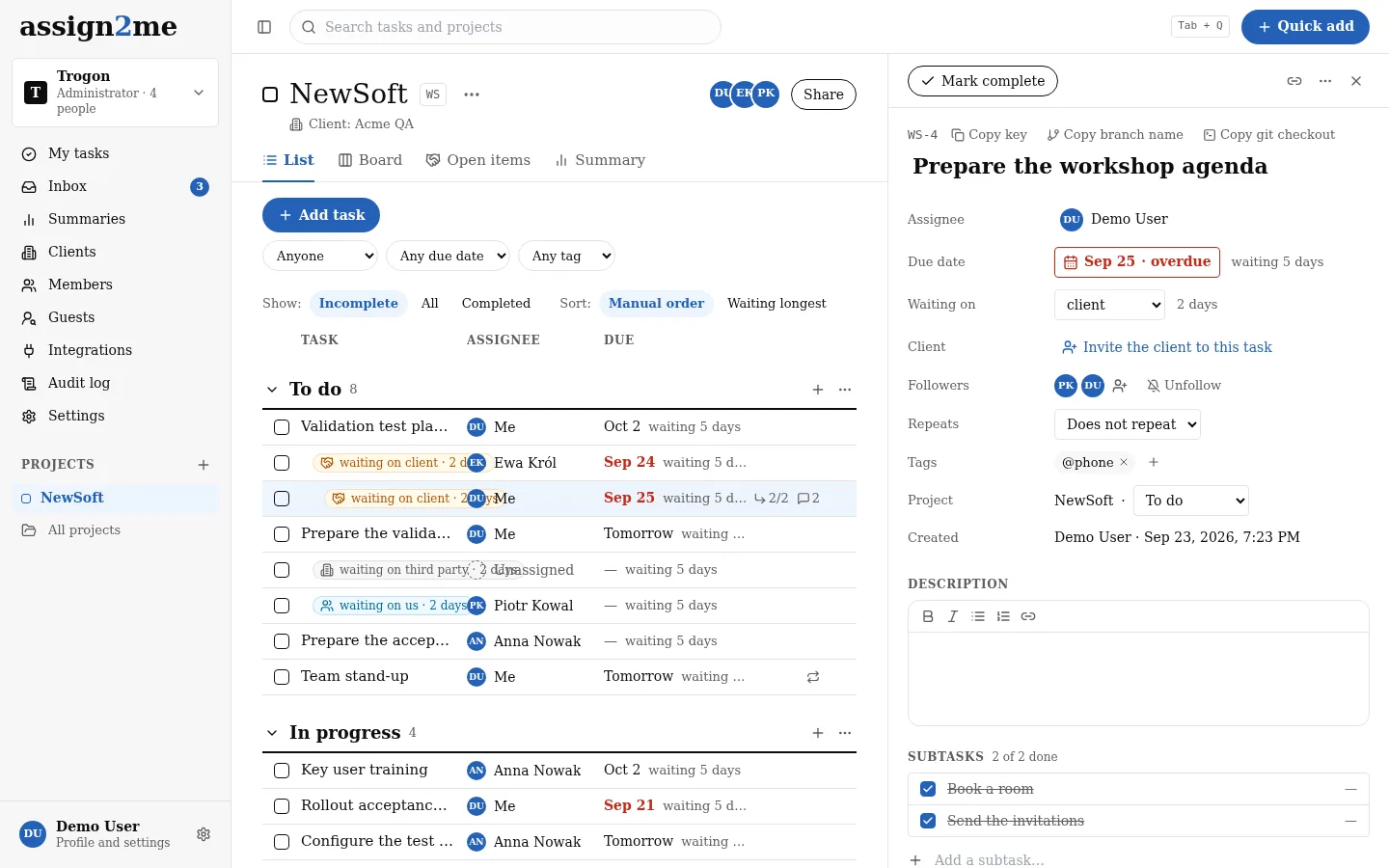
- You see what is stuck. Waiting time and the Code filter (waiting for review, failed checks, merged while the task is open) show where the agent or the reviewer is.
Control
The agent has no more rights than a person
- Sign-in with an assign2me account over OAuth, no API keys to store.
- The agent sees and changes only what the person who connected it can. It never sees other people's private tasks.
- Tools that delete are marked as destructive — the agent asks for confirmation.
- Connected agents are listed in your profile; disconnecting takes effect from the next call.
- An administrator turns MCP off for the whole organization with one switch; deactivating a person cuts off their agents too.
- A limit of 60 calls per minute per person. Client guests cannot connect agents.
For the whole team
One file in the repository
Add the server with --scope project and it goes into the repository's .mcp.json. Everyone on the team has assign2me in Claude Code after their first sign-in.
claude mcp add --transport http --scope project assign2me https://api.assign2me.com/mcp{
"mcpServers": {
"assign2me": {
"type": "http",
"url": "https://api.assign2me.com/mcp"
}
}
}Claude and ChatGPT add the same address as a connector. Documentation →
Working with clients
The agent also keeps track of what waits on the client
list_waiting_on_clientWhat waits on the client, longest first, with the number of days.
get_status_reportA project's status for its client, with a text ready to send.
create_task_for_guestA task for someone on the client's side, with an email sign-in link (once an administrator has accepted the DPA).
Your client sees the task, not the repository: guests don't see the Code section or pull request states.
Questions from teams that code with agents
Which agents work?
We have tested Claude Code, Claude (including Desktop) and ChatGPT. The server uses the open MCP standard with OAuth sign-in, so other MCP clients that support OAuth may work, but we don't document them.
Can an agent run unattended, e.g. in CI?
A connection always belongs to a person: the first sign-in happens in a browser, after which the agent uses it on its own. There are no service accounts or API keys for agents — every change has an owner.
Can an agent be a task's assignee?
No. You assign the task to the person who hands it to an agent and answers for the result. That way the task list shows who really owns what.
How do I tell agent changes from human ones?
The task history signs each change with its source, e.g. “via MCP (Claude Code)”, next to the person's name.
Will the agent close a task before anyone reviews the code?
It can, if you ask it to. It is safer to leave closing to the merge automation: the task closes only once the PR has been reviewed and merged into the main branch.
How much does it cost?
The MCP server and the GitHub and GitLab integrations are included in the plan — nothing extra per agent or per call.
Everything for one price
30 days free. Then €19 per month excl. VAT for a team of up to 5, each additional person +€3.50. Client guests: unlimited and free.